How to Sample Engine Hours on One Machine Before a Fleet Rollout
A buyer method for proving — or refusing — an engine-hours record on a single powered machine before any multi-unit install, firmware freeze or bulk order.
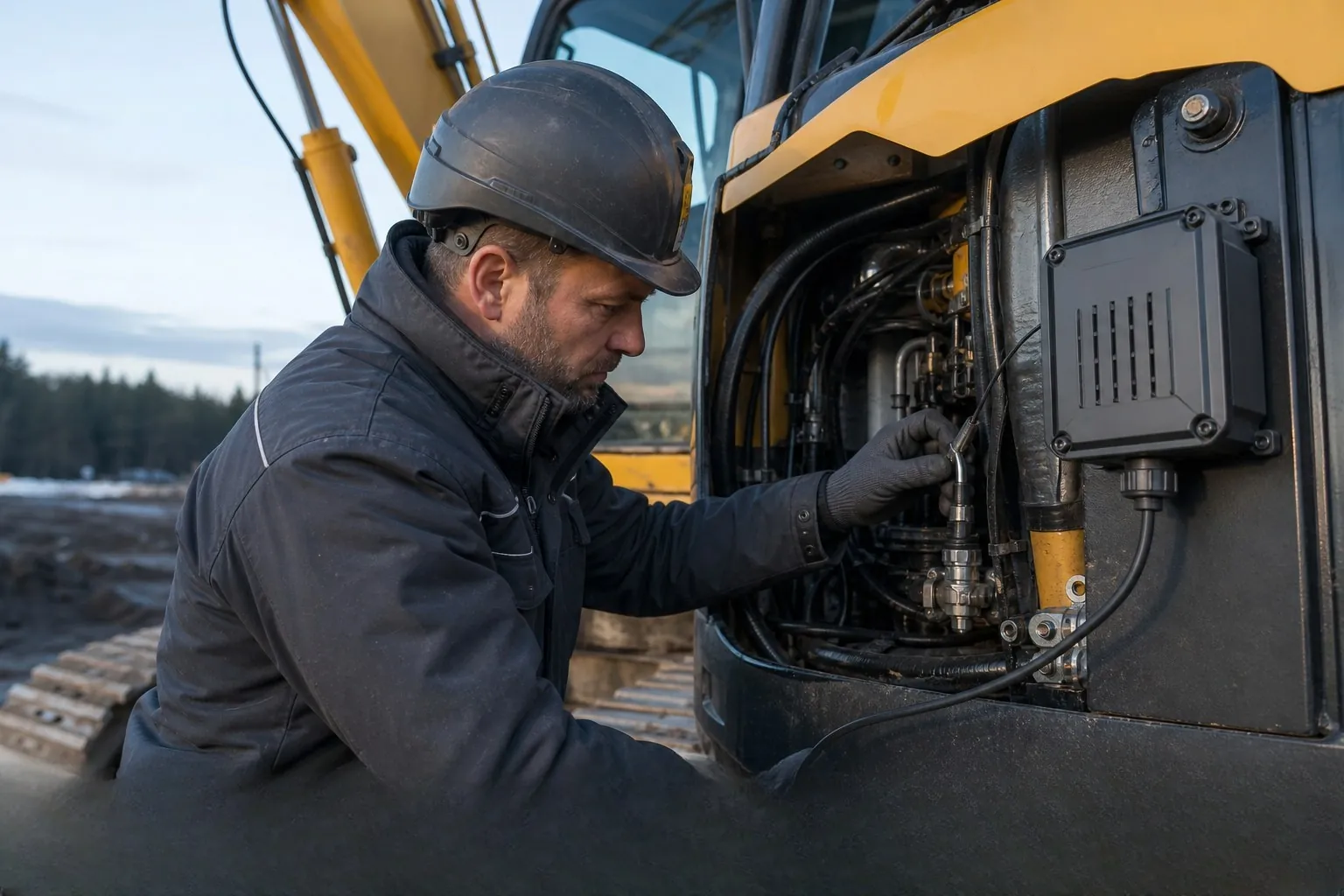
Illustration for this article; it does not show a customer deployment, measured result or certified installation.
On this page
- Sample engine hours on one powered machine before multiplying wiring, firmware or purchase decisions across a fleet.
- Keep engine hours, powered-on time and motion proxies as separate labels — never merge them in the UI.
- A successful one-machine window proves a named source and field under agreed conditions; it is not fleet-wide acceptance.
Imagine a fleet lead about to buy or wire twenty excavators. The first platform screen already shows “hours,” but nobody has written whether that number came from the machine bus, an ignition wire or a vibration proxy. This article is a practical one-machine method for sampling engine hours before a construction or mixed-fleet rollout. It reports no customer result, measured accuracy or inventory claim. For the label distinction itself, start with Engine Hours vs Powered-On Time.
Why one machine first
A multi-unit rollout multiplies every assumption. If the hours source is wrong on machine one, twenty installs will all store the wrong business record. A one-machine sample forces four things into one shared file before scale:
- the hours source (CAN / J1939, ignition/ACC, proxy, or unavailable);
- the platform field name, unit and timestamp meaning;
- a same-machine cab-meter comparison when true engine hours are claimed;
- an explicit note of what the sample does not prove for the rest of the yard.
This is a buyer and installer method, not a ranked product test. Hardware such as a CAN / J1939 gateway (for example A300) only enters scope when the project has a powered machine and a machine field to validate.
Write the rollout question
Before ordering or installing a sample, lock a one-page brief that the buyer, installer and platform owner can share. Keep unknowns as UNKNOWN with an owner and a date:
- Machine type, make/model family if known, and whether fixed power is available.
- Whether the office needs engine hours, powered-on time, location only, or named CAN fields.
- Mounting position, voltage expectation and weather / vibration exposure.
- Receiving platform, protocol or endpoint, and the exact field names that must appear.
- How many units the first rollout wave would cover if the sample passes — and which machine families are out of scope.
- Destination market and which manufacturer-issued documents must be checked for the exact model.
If the project only needs a map pin, stop here and treat hours as out of scope. A location event is not an hours acceptance. For the wider China-sample workflow, use how to validate a China GPS tracker sample before a bulk order.
Lock the hours source
On construction machinery, three common “hours” ideas often share one UI label. Write the source before any observation window:
| Label | Typical source | Rollout use |
|---|---|---|
| Engine hours | Verified machine interface (often CAN / J1939) mapped into the receiving platform. | Maintenance or utilisation records only after the field is confirmed on that machine and firmware. |
| Powered-on time | Agreed ignition, ACC or permanent-supply signal configured in the terminal. | Key-on or supply-present time. Accept only if the office agrees this is the business record. |
| Motion / vibration proxy | Movement or vibration events used as a rough activity estimate. | At most a utilisation hint. Do not treat it as the system of record for engine hours. |
If the bus is unreachable or the field is unmapped, mark engine hours UNAVAILABLE. Do not silently approximate. Keep the same separation described in engine hours vs powered-on time.
Map the platform field
A raw value on the terminal is not yet a business record. Before the observation window, agree:
- the exact platform field name and display label;
- unit (hours, minutes, cumulative vs interval);
- timestamp meaning (device time, server receipt, or UI render);
- who owns the mapping and who signs the pass/fail note.
Platform connection depends on the selected protocol, fields and receiving system and is confirmed per project. Keep your existing platform when that is the project intent — see keep your existing system.
Run a same-machine window
When the project claims true engine hours, plan one observation window on the same powered machine:
- Photograph or note the cab hour meter at the start of the window.
- Confirm fixed power, mounting position, antenna / enclosure access and the written hours source.
- Run the machine under the agreed duty for a defined period owned by the installer or site lead.
- Record the platform cumulative hours field at the end of the same window.
- Record the cab meter again, with the same person confirming both readings when practical.
- Store firmware / configuration ID, model identity and a short photo set with the decision file.
Agree the pass condition before the run. This article does not publish a universal percentage threshold, a measured LEXUNYU field result, or a ranked product claim. Use the blank machinery installation data record (CSV) while the sample is on the machine.
Record what the sample proves
Write a short acceptance note after the window. A useful one-machine sample can support statements such as:
- hours source named and stable for that machine, firmware and wiring path;
- platform field mapped with unit and timestamp meaning;
- cab-meter comparison completed under the agreed duty (or engine hours marked UNAVAILABLE);
- sample identity locked (model, BOM notes if provided, firmware, configuration snapshot).
A sample does not prove:
- that every CAN field exists on every machine in the yard;
- destination-market marks for a configuration that has not been document-checked;
- batch consistency without a sample-to-production statement;
- platform readiness for every operator role without a mapped receiving workflow;
- any customer case study, inventory level or traffic metric (those remain UNKNOWN unless separately evidenced).
Commercial starting points published for A300 include: samples and small pilots available; customisation typically from 100 units; 12-month limited warranty from the commercial-invoice shipment date. Confirm destination and configuration before payment on the A300 product page.
Pause rules before scaling
Pause the fleet wave when any of these are true:
- the asset has no fixed power (trailers, containers, many attachments need a different device class — see no-fixed-power guidance);
- the project only needs a basic location record with no machine field to validate;
- engine hours were claimed but the source is still UNKNOWN or a silent proxy;
- the platform field is unmapped or clocks / event meanings are mixed;
- the next production unit is assumed to match the sample without a written identity lock.
For plant mechanics and device-class context, see how plant machinery trackers work. For installation traps that appear before any platform review, see five heavy-equipment installation mistakes.
Frequently asked questions
Why sample engine hours on one machine before a fleet rollout?
A one-machine sample forces the hours source, platform field mapping, power path and cab-meter comparison into one shared record before wiring, firmware or purchase decisions are multiplied across the fleet.
Is powered-on time enough to accept a fleet hours workflow?
Only if the office agrees that key-on or supply-present time is the business record. Powered-on time is not automatically engine hours. Keep the labels separate — see engine hours vs powered-on time.
When should a buyer pause on a CAN gateway sample such as A300?
Pause when the asset has no fixed power, or when the project only needs a basic location record with no machine field to validate. Unpowered trailers, containers and many attachments need a different device class.
What does one successful sample prove for rollout?
It can prove that, for that machine, wiring path, firmware and receiving platform, a named hours field was produced and reviewed under agreed conditions. It does not prove fleet-wide field coverage, destination marks, batch consistency or every model in the yard.